

Upload your image
Choose, drag, or paste a JPG, PNG, WebP, PDF · up to 10 MB and 3 pages.
TEXT + CONTEXT, IN ONE STEP
Upload a screenshot, scan, whiteboard, or PDF. Get the readable text and the important points in seconds. Free to try — no sign-up required.
Checking free summaries…
Don't upload confidential or regulated material. Your file is sent to our AI provider to generate your summary. Summata doesn't keep a copy. Privacy Policy
FROM IMAGE TO USEFUL NOTES
To summarize text from image means turning the words and visual context in a picture into notes you can actually use. Summata lets you upload a photo, screenshot, scanned document, or whiteboard image, as well as a PDF up to three pages. The tool reads the visible text, keeps important names and numbers in view, and understands useful context such as headings, charts, and layout.
The result combines clean extracted text with a structured AI summary of the key points. That makes summarize text from image workflows faster than copying lines by hand: instead of switching between a camera roll and a document, you can review the source beside organized notes in seconds. Use the short version to scan a page, or switch to Medium and Detailed when you need more context.
Summata is designed for everyday material such as lecture slides, meeting notes, receipts, research pages, and planning boards. It can help you summarize text from image files without an account, and three free summaries are available each day. Your uploaded image is processed for the request and discarded immediately; Summata does not save your file. If you need to summarize text from image content that matters, always compare the generated notes with the original before sharing or acting on them.
TRY A LOCAL EXAMPLE
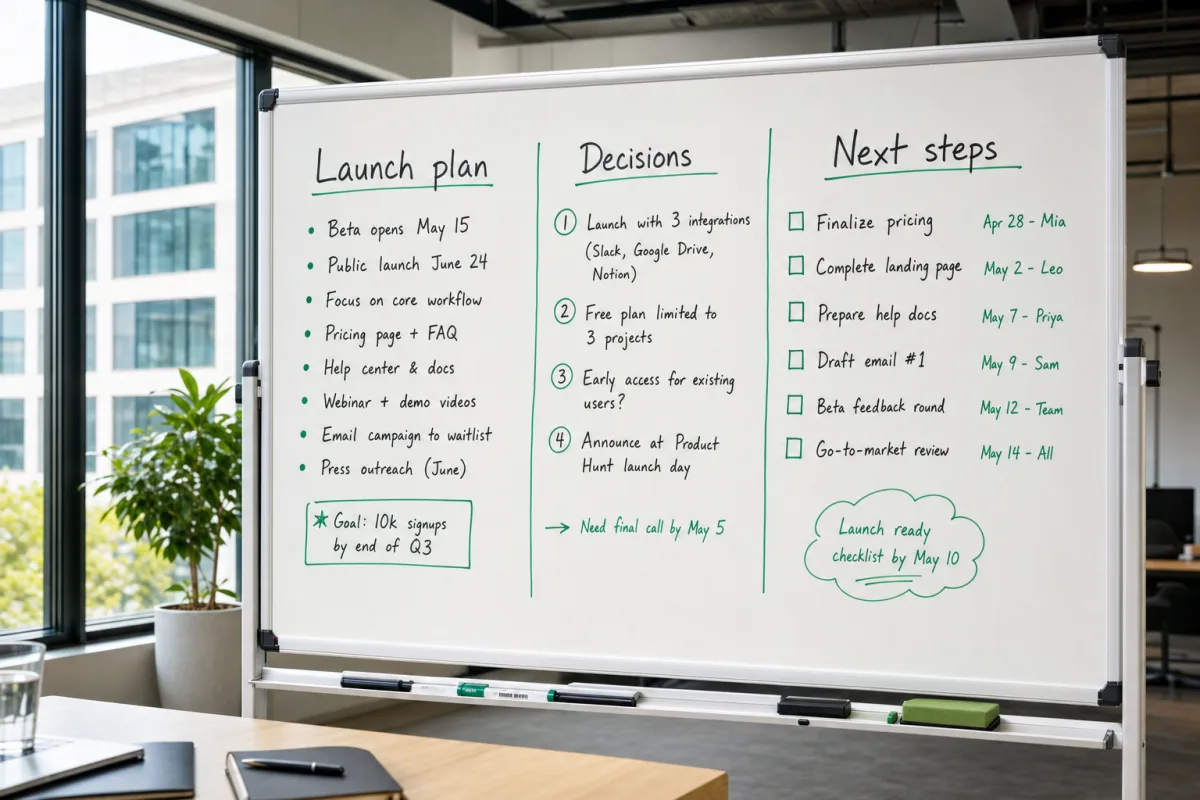
• Beta opens May 15
• Public launch June 24
• Focus on core workflow
• Pricing page + FAQ
• Help center & docs
• Webinar + demo videos
• Email campaign to waitlist
• Press outreach (June)
Goal: 10k signups by end of Q3
1. Launch with 3 integrations (Slack, Google Drive, Notion)
2. Free plan limited to 3 projects
3. Early access for existing users?
4. Announce at Product Hunt launch day
Need final call by May 5
Finalize pricing — Apr 28 — Mia
Complete landing page — May 2 — Leo
Prepare help docs — May 7 — Priya
Draft email #1 — May 9 — Sam
Beta feedback round — May 12 — Team
Go-to-market review — May 14 — All
Launch ready checklist by May 10
Summata turned this whiteboard photo into clean, copyable text — plus a three-bullet summary of the meeting's main decisions. (Example runs locally — no upload needed.)
HOW IT WORKS
Choose, drag, or paste a JPG, PNG, WebP, PDF · up to 10 MB and 3 pages.
AI reads the text in the image and understands the visual context.
Copy the extracted text and a structured summary of the key points.
BUILT FOR REAL WORK
Turn the visual material in front of you into text you can search, share, and act on.
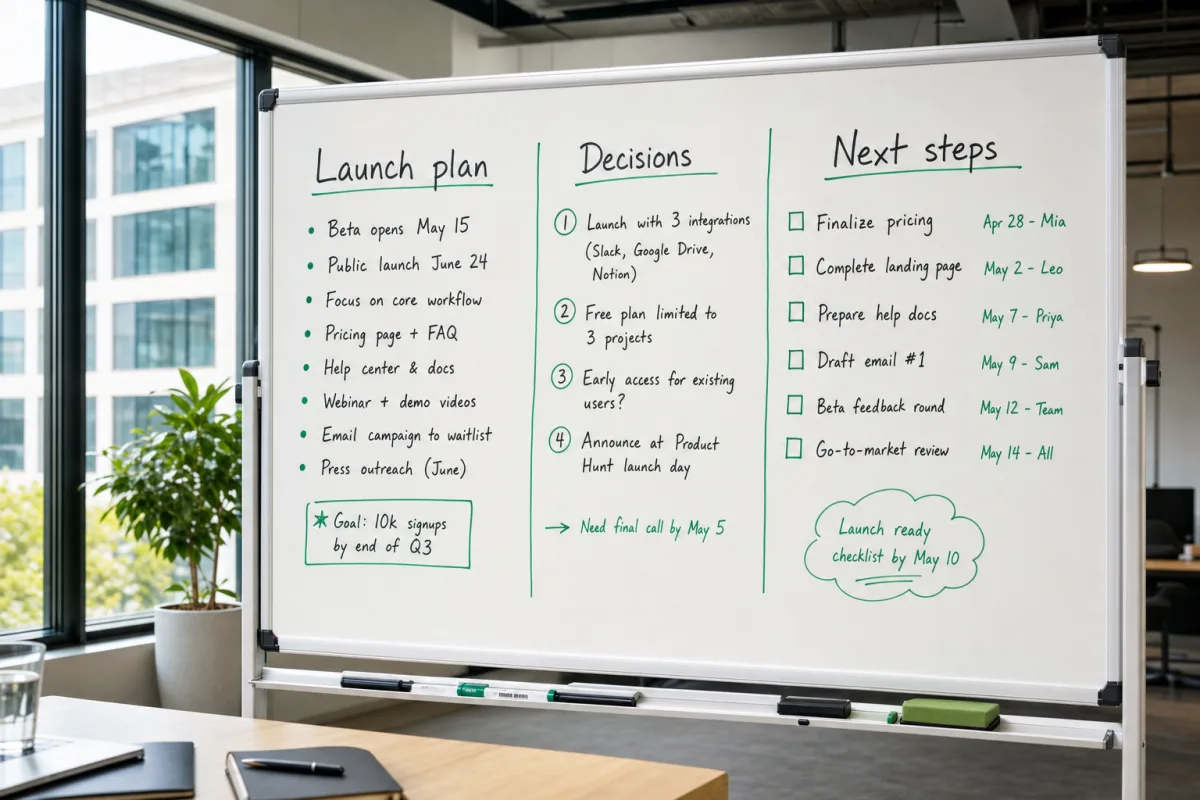
Save content before it is erased.
Photo to Notes →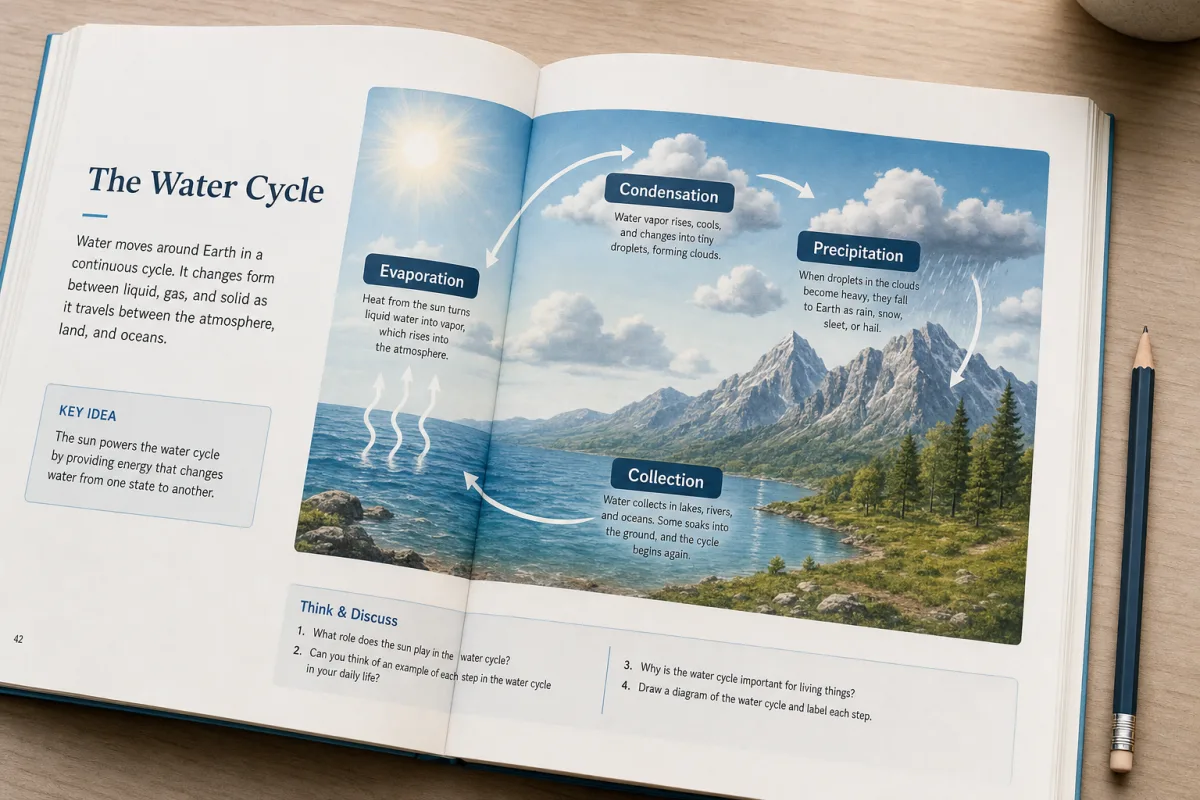
Turn lecture points into notes you can study.
Photo to Notes →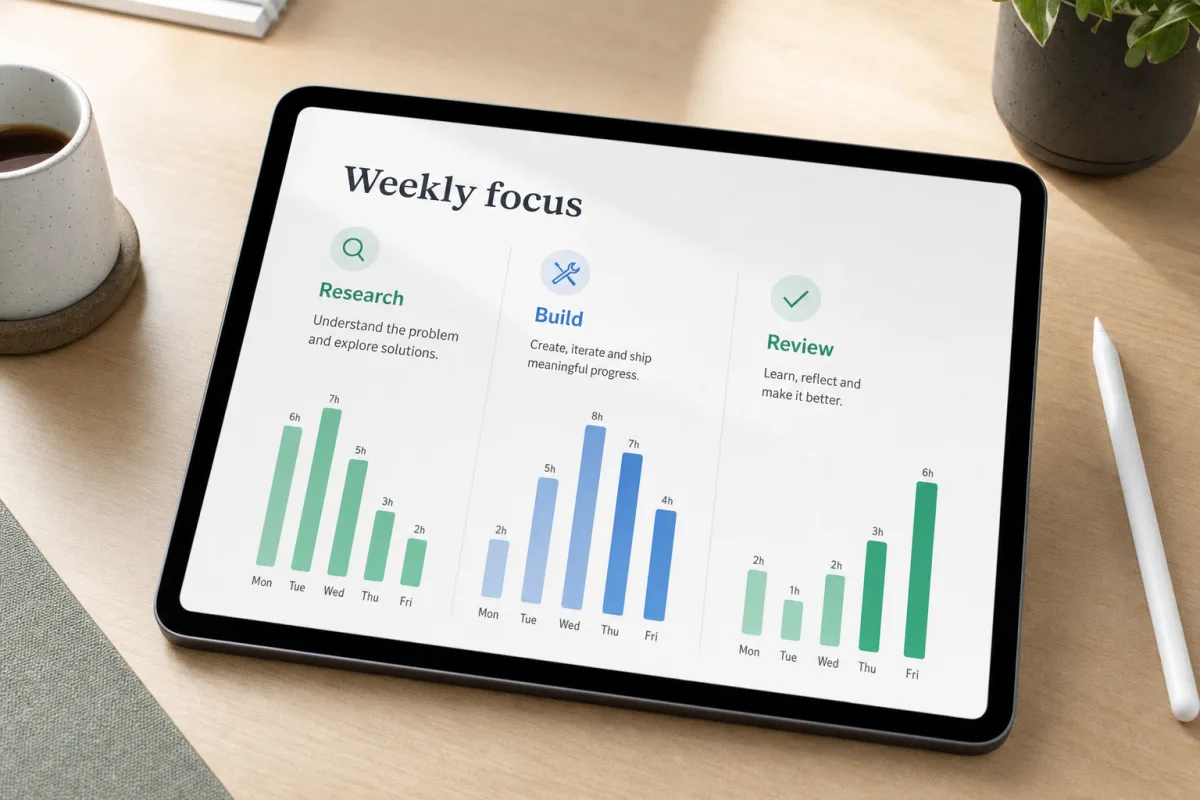
Turn decisions and action items into clean text.
Extract Text from Image →
Summarize contracts, reports, and receipts at a glance.
AI Image Summarizer →FAQ
Yes. You get 3 free summaries per day with no sign-up required.
JPG, PNG, WebP, PDF · up to 10 MB and 3 pages.
Yes — handwritten notes on whiteboards, notebooks and sticky notes are supported. Accuracy is highest on clear, high-contrast photos.
Results depend on image quality and the clarity of the source. Check important names, numbers, dates, and decisions against the original.
No. Your file is processed and discarded immediately; it is not saved.
Summata reads an image or PDF and returns clean extracted text plus an AI summary of the important points.